




Software documentation evolved beyond static screenshots and text. Screen recordings demonstrate complex workflows dynamically and clearly. Technical writers create comprehensive guides using video demonstrations. Support teams reduce ticket volume through visual troubleshooting guides. This professional guide covers software documentation through screen recording.
The Power of Visual Documentation
Traditional documentation struggles to capture software complexity adequately. Written instructions leave room for misinterpretation and confusion. Screenshots show static moments without workflow context. Video demonstrations bridge these documentation gaps effectively. Users understand processes faster through visual learning.
Statistics show video tutorials reduce support requests significantly. Self-service knowledge bases save company resources substantially. Customers prefer video content over lengthy written guides. Documentation quality directly impacts user satisfaction and retention. Investment in video documentation pays measurable returns.
Types of Software Documentation
Product documentation introduces software features and capabilities. Getting started guides help new users understand basics. Feature-specific tutorials demonstrate advanced functionality in depth. Troubleshooting videos address common problems and solutions. Each documentation type serves distinct user needs.
API documentation increasingly includes video demonstrations alongside code. Developer onboarding benefits from recorded environment setup walkthroughs. Administrative guides show configuration and settings management. Release notes can include video highlights of new features. Comprehensive documentation combines multiple content types strategically.
Planning Documentation Projects
Successful documentation starts with thorough planning phases. Identify target audience technical skill levels clearly. Map user journeys to understand documentation needs. Prioritize documentation based on feature usage and importance. Strategic planning ensures documentation efforts deliver maximum value.
Create documentation outlines before recording begins. Break complex topics into logical sequential segments. Define learning objectives for each video explicitly. Estimate appropriate video lengths for different topics. Detailed planning improves recording efficiency and content quality.
Recording Software Selection
Documentation recording software requires specific professional features. Annotation tools highlight important interface elements during recording. Cursor highlighting makes mouse movements clearly visible. Keystroke display shows keyboard shortcuts being used. A professional screen recorder includes these essential documentation features.
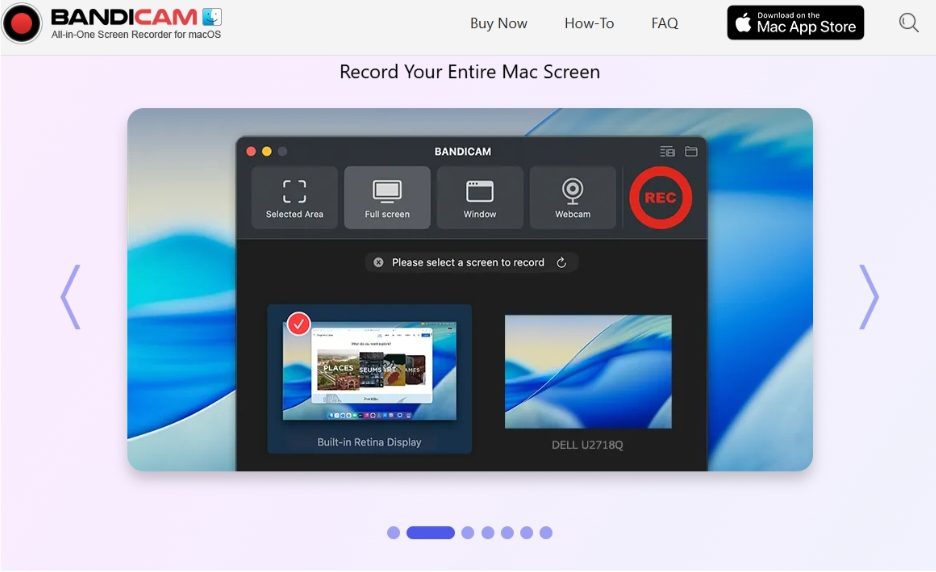
Export quality matters significantly for professional documentation. High-resolution recordings maintain clarity when embedded or compressed. Multiple format support ensures wide platform compatibility. Cloud integration streamlines collaborative documentation workflows. Mac users need specialized solutions like a dedicated mac screen recorder for optimal results.
Recording Environment Preparation
Clean recording environments project professionalism and credibility. Reset software to default settings before demonstrations. Remove personal information from visible areas completely. Close irrelevant browser tabs and applications. Disable notifications that might interrupt recording sessions.
Use test accounts for demonstration purposes exclusively. Populate databases with realistic sample data. Prepare necessary files and resources before recording. Test workflows completely before final recording attempts. Preparation prevents mistakes and reduces recording time significantly.
Scripting and Narration
Professional documentation requires well-prepared narration scripts. Write conversational scripts that sound natural when spoken. Include specific UI element names exactly as displayed. Describe actions clearly while performing them simultaneously. Scripts ensure consistent terminology throughout documentation libraries.
Practice narration before recording final versions. Speak slowly and clearly for comprehension. Maintain consistent pacing throughout entire recordings. Pause briefly between major steps or sections. Professional narration quality separates amateur from professional documentation.
Visual Hierarchy and Focus
Guide viewer attention through visual emphasis techniques. Zoom into relevant screen areas during detailed explanations. Highlight buttons and fields before clicking them. Use annotation arrows to point at important elements. Visual guidance prevents viewer confusion and frustration.
Maintain consistent visual style across documentation videos. Standardize annotation colors and styles throughout. Use similar layouts and formats for related content. Visual consistency creates professional, cohesive documentation libraries. Brand guidelines should extend to documentation styling.
Recording Complex Workflows
Multi-step processes require careful demonstration planning. Break long workflows into digestible chapter segments. Summarize steps periodically to maintain orientation context. Show both successful completion and common error handling. Comprehensive coverage reduces follow-up questions and confusion.
Demonstrate real-world scenarios rather than oversimplified examples. Include realistic data and situations users encounter. Show workarounds for common obstacles or limitations. Address edge cases when they occur frequently. Practical documentation builds user confidence and competence.
Editing for Professional Polish
Post-production editing elevates documentation quality substantially. Remove false starts and mistakes cleanly. Trim excessive pauses between actions or statements. Add title screens introducing each video topic. End screens can direct users to related content.
Callouts and annotations can be added during editing. Highlight changing values or important status indicators. Blur sensitive information discovered after recording. Speed up time-consuming processes like loading or rendering. Strategic editing maintains viewer engagement throughout content.
Localization and Translation
Global software requires multilingual documentation support. Record demonstrations without language-specific narration initially. Add separate audio tracks for different languages. Text overlays and callouts need translation consideration. Localization planning during production simplifies later adaptation.
Cultural differences affect documentation effectiveness significantly. UI conventions vary across regions and countries. Workflows may differ based on regional regulations. Consider these factors during documentation creation. Global documentation requires cultural sensitivity and awareness.
Version Control and Updates
Software updates require documentation maintenance and updates. Track which recordings correspond to specific versions. Schedule documentation updates alongside release planning. Identify sections requiring updates versus complete recreation. Efficient maintenance processes keep documentation current and accurate.
Version documentation within video metadata and descriptions. Include version numbers in video titles when relevant. Archive outdated recordings rather than deleting them. Historical documentation has surprising value occasionally. Systematic version management prevents confusion and errors.
Integration with Knowledge Bases
Embed documentation videos within searchable knowledge bases. Tag videos with relevant keywords and categories. Create playlists organized by product area or skill level. Link related articles and videos together strategically. Integrated documentation serves users more effectively.
Track analytics to understand documentation usage patterns. Identify most-viewed and most-useful content. Discover documentation gaps through search query analysis. User feedback guides continuous documentation improvement. Data-driven approaches optimize documentation investments.
Interactive Documentation Features
Modern platforms support interactive video documentation elements. Add clickable chapters for easy navigation. Include embedded quizzes to assess comprehension. Link directly to relevant software sections from videos. Interactive features enhance learning and reduce support needs.
Branching scenarios demonstrate decision-making workflows. Users choose paths based on their situations. Multiple outcomes show various workflow possibilities. Interactive documentation accommodates diverse user needs effectively. Advanced features justify platform investment costs.
Measuring Documentation Success
Define success metrics for documentation initiatives clearly. Track support ticket reduction in documented areas. Monitor user satisfaction through surveys and feedback. Measure video completion rates to identify problems. Analytics guide documentation strategy and improvements.
Calculate return on investment for documentation projects. Compare documentation costs against support savings. User retention improvements indicate documentation value. Onboarding time reduction demonstrates training effectiveness. Quantifiable results justify continued documentation investment.
Collaboration and Review Processes
Documentation quality benefits from collaborative review processes. Subject matter experts verify technical accuracy thoroughly. Users test documentation clarity and completeness. Editors ensure consistent style and quality standards. Multiple perspectives improve final documentation quality significantly.
Establish clear review workflows and responsibilities. Use collaborative platforms for feedback and revisions. Version documentation drafts to track changes. Implement approval processes before publication release. Professional workflows ensure documentation quality and accuracy.
Legal and Compliance Considerations
Documentation may have legal and regulatory implications. Ensure accuracy to prevent liability from misleading information. Include appropriate disclaimers when necessary. Comply with accessibility regulations like WCAG standards. Legal review may be required for certain content.
Protect intellectual property through appropriate copyright notices. Limit demonstrations of competitive software when relevant. Secure customer approval before using their data. Compliance requirements vary by industry and region. Professional documentation respects all legal obligations.
Conclusion
Screen recording transforms software documentation from static to dynamic. Video demonstrations communicate complex concepts effectively and efficiently. Users learn faster and retain information better. Support costs decrease while satisfaction increases measurably. Start creating professional video documentation to improve user experience today.
Invest in proper tools and training for documentation teams. Develop consistent processes and quality standards. Measure results to demonstrate documentation value. Continuous improvement refines documentation over time. Professional screen recording elevates software documentation to excellence.